Disable password verification for SSO users
How To articles are not official guidelines or officially supported documentation. They are community-contributed content and may not always reflect the latest updates to Liferay DXP. We welcome your feedback to improve How To articles!
While we make every effort to ensure this Knowledge Base is accurate, it may not always reflect the most recent updates or official guidelines.We appreciate your understanding and encourage you to reach out with any feedback or concerns.
legacy-article
learn-legacy-article-disclaimer-text
Issue
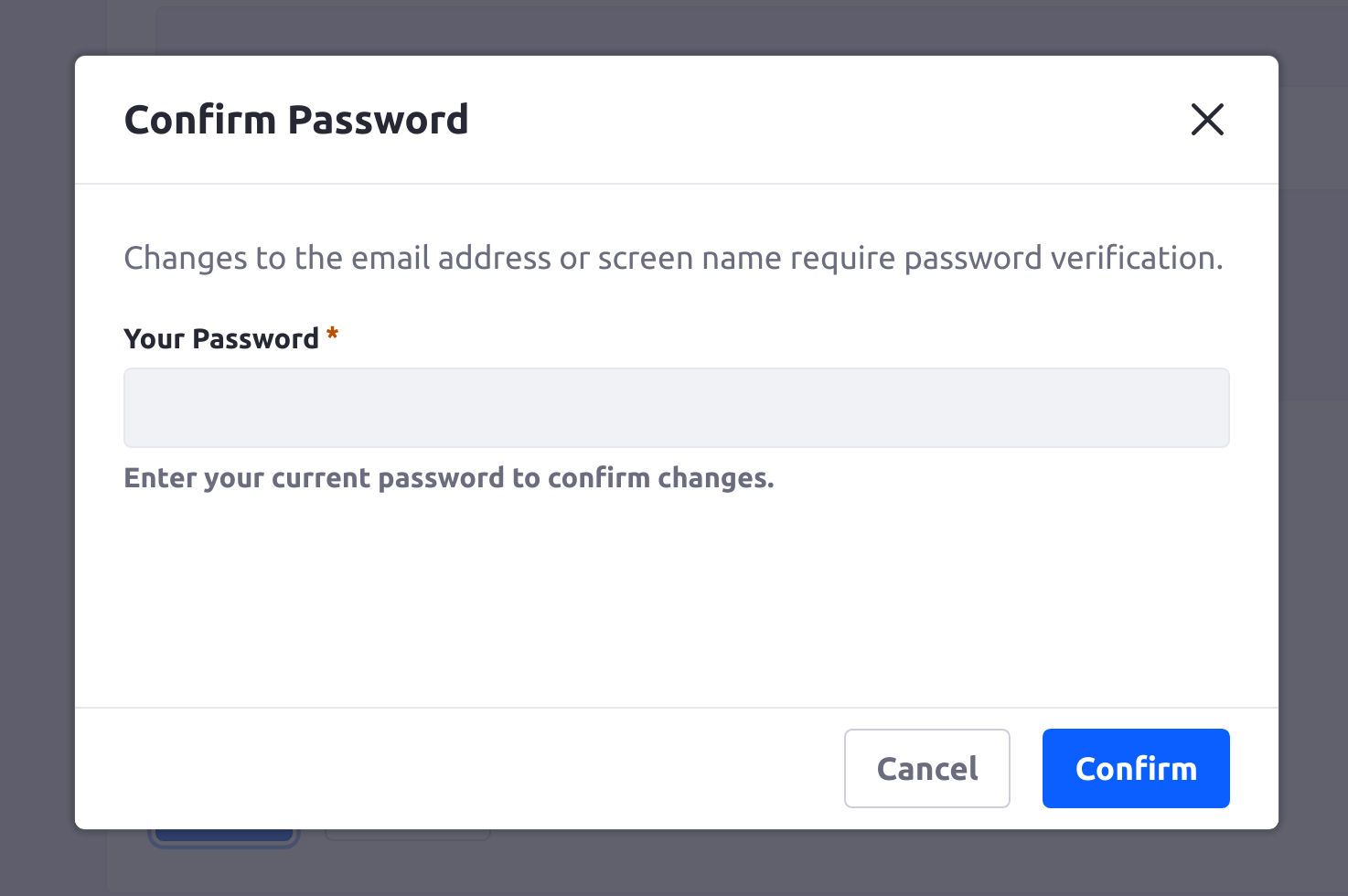
- When changing the screen name or email address of a user, the portal now requires a password verification. This was not a requirement for previous versions of Liferay.
did-this-article-resolve-your-issue