Issue
-
The '/web/guest' associated with the domain name will redirect to the default DXP site.
-
Suppose there are two sites, site1 and site2 mapped to domains www.domain1.com and www.domain2.com
-
Site 1 - www.domain1.com/web/site1/home lands to Homepage of Site1
Site 2 - www.domain2.com/web/site2/home lands to Homepage of Site2
-
- Now, from site1 if we hit, www.domain1.com/web/guest/home it redirects to default Liferay site. and the Welcome page of the Guest site is opened as shown in the below image. screenshot
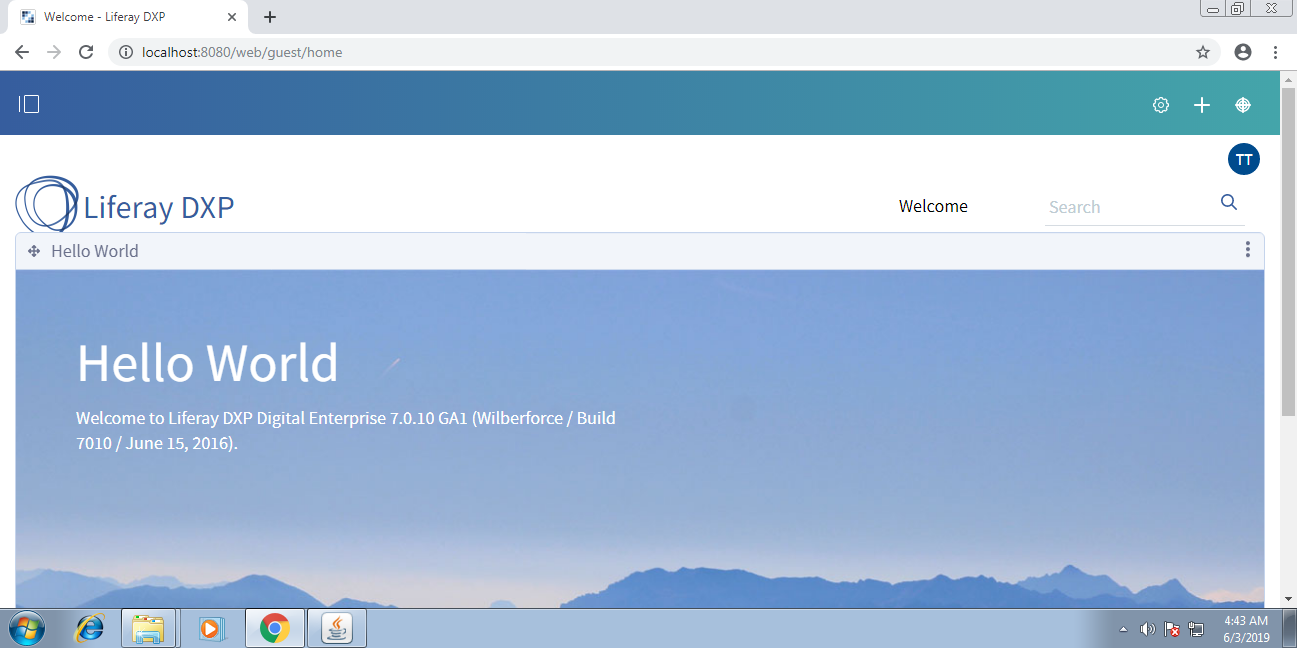
- Now, from site1 if we hit, www.domain1.com/web/guest/home it redirects to default Liferay site. and the Welcome page of the Guest site is opened as shown in the below image. screenshot
Environment
- Liferay DXP 7.0
Resolution
-
The reported behaviour is intended behaviour of Liferay as '/guest/home' is the URL of Default DXP site.
- Let's consider a scenario. If you map 'www.domain1.com' to 127.0.0.1 in the host's file, then http://www.domain1.com:8080/web/guest/home basically means http://127.0.0.1:8080/web/guest/home. Therefore, it is expected that the Guest Site being opened.
- However, if you want to restrict/disable the access of this Guest site, then below two approaches can be used:
1) Through Web Server by using redirection.
2) Achieving the desired requirement by creating a custom plugin that can restrict this URL.
Additional Information
- This resolution requires customization and should only be implemented at the discretion of your team. Liferay Support will not be able to assist with designing or implementing customizations.