If the destination page is empty, the search bar portlet is temporarily unavailable
How To articles are not official guidelines or officially supported documentation. They are community-contributed content and may not always reflect the latest updates to Liferay DXP. We welcome your feedback to improve How To articles!
While we make every effort to ensure this Knowledge Base is accurate, it may not always reflect the most recent updates or official guidelines.We appreciate your understanding and encourage you to reach out with any feedback or concerns.
Legacy Article
You are viewing an article from our legacy "FastTrack"
publication program, made available for informational purposes. Articles
in this program were published without a requirement for independent
editing or verification and are provided"as is" without
guarantee.
Before using any information from this article, independently verify its
suitability for your situation and project.
Issue
-
When the default '/search' parameter from the destination page field is deleted, the search bar portlet becomes unavailable.
Steps to reproduce:
1) Start Liferay DXP 7.2 with fix-pack-17 (previous fix pack was dxp-fix-pack-16).
2) Click on search portlet > configurations.
3) Remove the '/search' parameter from the destination page.
4) Click Save.
Expected Behavior: After providing an empty string in the destination page field, the search bar portlet must appear.
Observed Behavior: A portlet that is unavailable is shown on the page.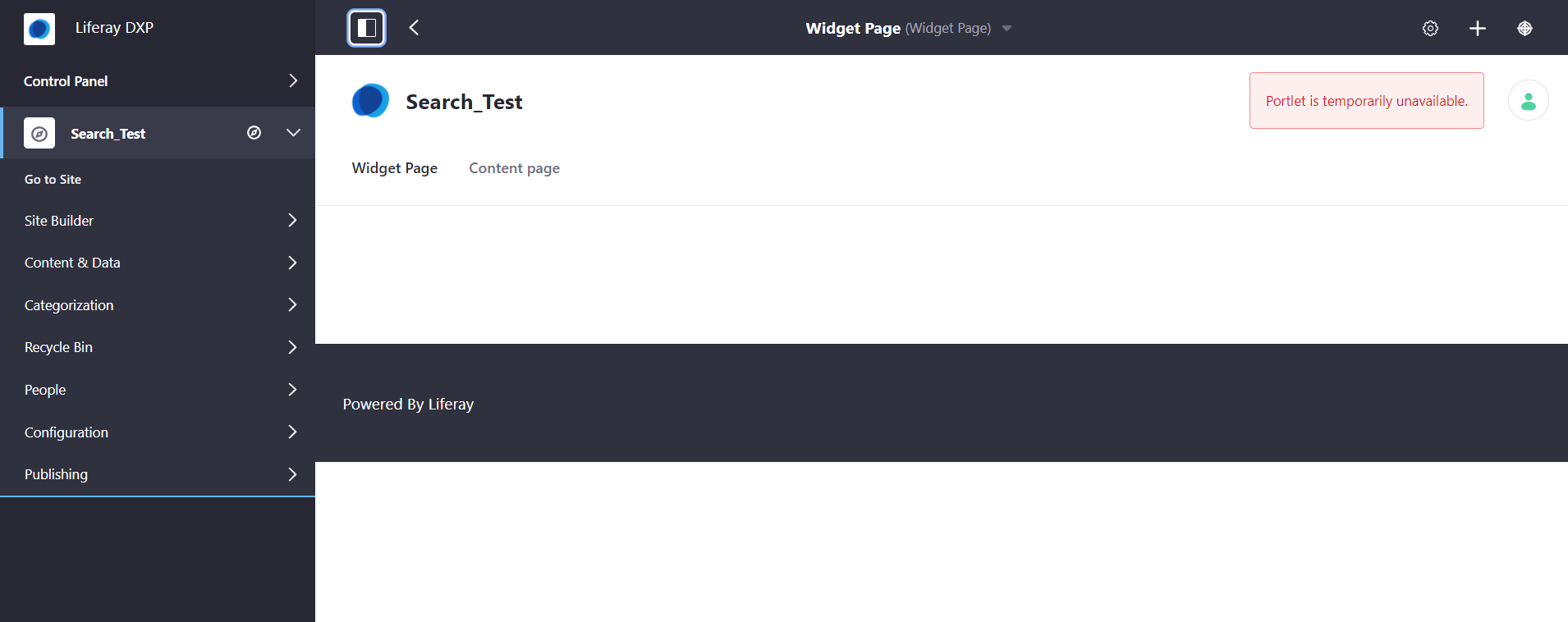
Environment
- Liferay DXP 7.2 Fix Pack 17
- Liferay DXP 7.3
- Liferay DXP 7.4
Resolution
- The observed behavior is a known Liferay DXP bug which has been addressed by LPS-146763
- If the hotfix is required for this issue, please create a support ticket requesting the hotfix by attaching the patch details.
-
Installing Fix Packs and Hotfixes on Liferay DXP will guide to installation of the hotfix in the respective environment.
Did this article resolve your issue ?