Issue
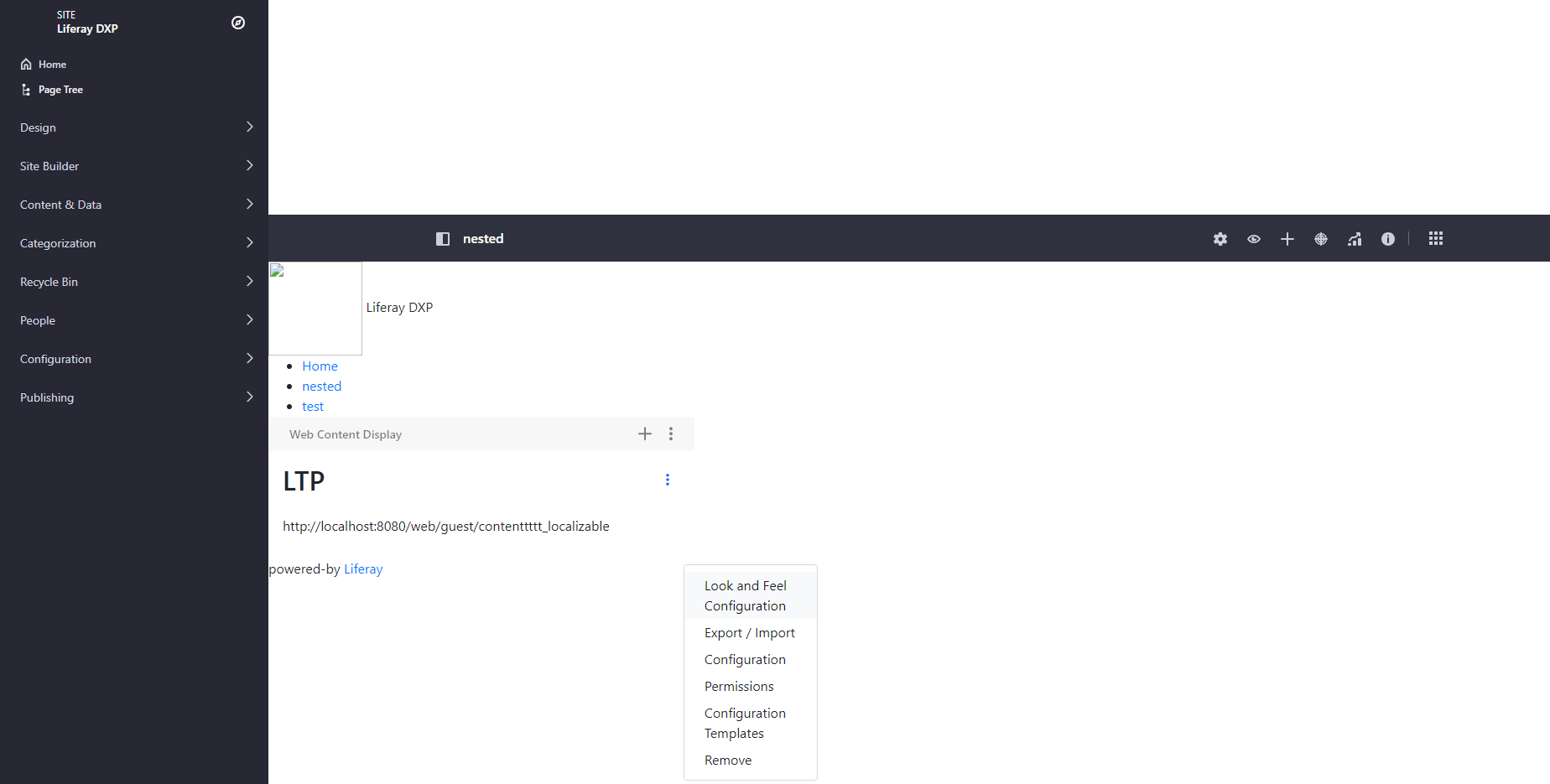
- When applying a styled based custom theme to a page in 7.4, header and other elements are misplaced and when you click the three elipsis button of a widget, options show up in the incorrect location.
Environment
- Liferay 7.4 and Liferay Theme Generator 10.1.0.
Resolution
- The official solution for this will be implemented in https://issues.liferay.com/browse/LPS-142928.
- Until a new version for the generator is released, there is a workaround that can be easily applied:
- Change, in package.json file of the generated theme, the following devDependencies:
"liferay-frontend-theme-styled": "6.0.2",
"liferay-frontend-theme-unstyled": "6.0.2",
To:
"liferay-frontend-theme-styled": "6.0.14",
"liferay-frontend-theme-unstyled": "6.0.15",
-
- Install the new dependencies through npm i
- Redeploy your them: gulp deploy
- Your custom theme should be working fine after this.
Additional Information