WebコンテンツのフレンドリURLについて
How To articles are not official guidelines or officially supported documentation. They are community-contributed content and may not always reflect the latest updates to Liferay DXP. We welcome your feedback to improve How To articles!
While we make every effort to ensure this Knowledge Base is accurate, it may not always reflect the most recent updates or official guidelines.We appreciate your understanding and encourage you to reach out with any feedback or concerns.
legacy-article
learn-legacy-article-disclaimer-text
問題
- Webコンテンツ作成時に設定される「フレンドリURL」を使って当該Webコンテンツへアクセスしたところ、エラーとなってアクセスができません
環境
- Liferay DXP 7.1, Liferay DXP 7.2
解決
- WebコンテンツのフレンドリURLは、「表示ページ」機能を使った際に有効となる設定です
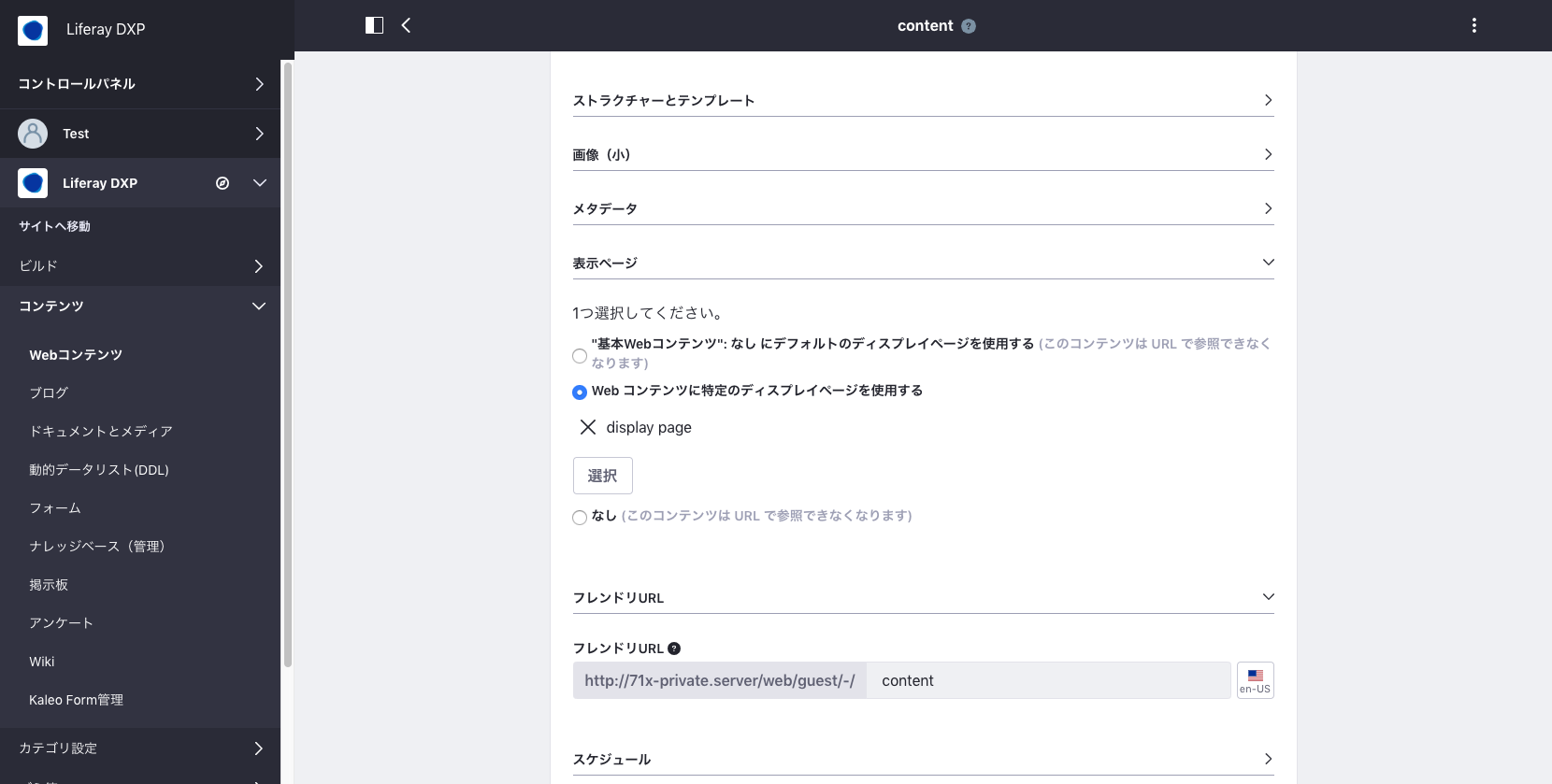
設定例:
- ビルド>サイトページ>タブ:表示ページ
- +ボタンを押下し、ページ名を入力して保存
- 右上+ボタンからフラグメント設定メニューを開く
- マッピングタブに切り替え、選択ボタンから「アセットタイプ:Webコンテンツ」 「サブタイプ:基本Webコンテンツ」を選択
- 公開ボタンを押下してページを公開
- コンテンツ>Webコンテンツへ移動
- 新規Webコンテンツを追加し、表示ページで「Web コンテンツに特定のディスプレイページを使用する」を選択
- 手順5で公開したコンテンツ表示ページを選択
- Webコンテンツを公開
- WebコンテンツのフレンドリURLからコンテンツへアクセス
did-this-article-resolve-your-issue