Liferay Commerce, Products Widget: Pressing Browser 'Back' Button Loses Page Settings
How To articles are not official guidelines or officially supported documentation. They are community-contributed content and may not always reflect the latest updates to Liferay DXP. We welcome your feedback to improve How To articles!
While we make every effort to ensure this Knowledge Base is accurate, it may not always reflect the most recent updates or official guidelines.We appreciate your understanding and encourage you to reach out with any feedback or concerns.
Legacy Article
You are viewing an article from our legacy "FastTrack"
publication program, made available for informational purposes. Articles
in this program were published without a requirement for independent
editing or verification and are provided"as is" without
guarantee.
Before using any information from this article, independently verify its
suitability for your situation and project.
Issue
- Using a browser's back button causes Commerce's Products Widget to lose both page placement and items per page configuration.
Example Setup
1. From the Control Panel navigate to Commerce > Products
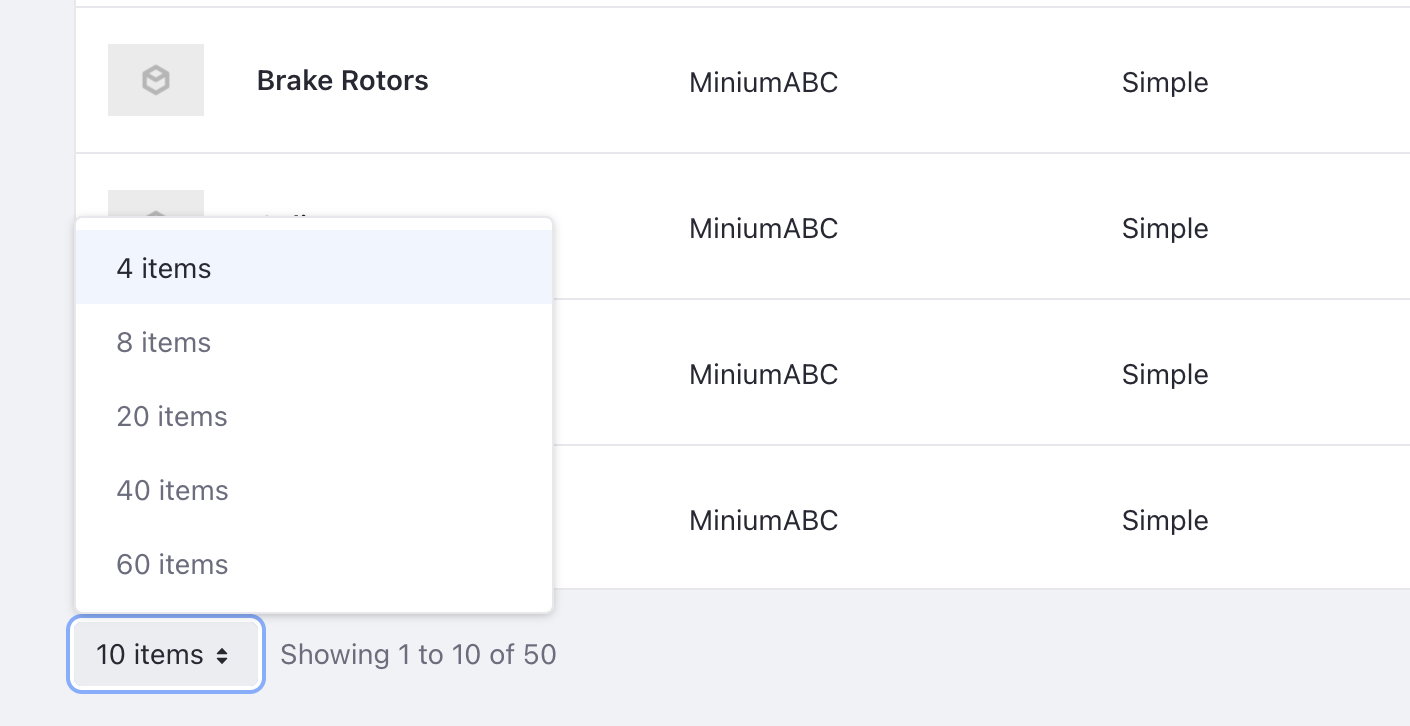
2. Change the default number of items to 4 per page
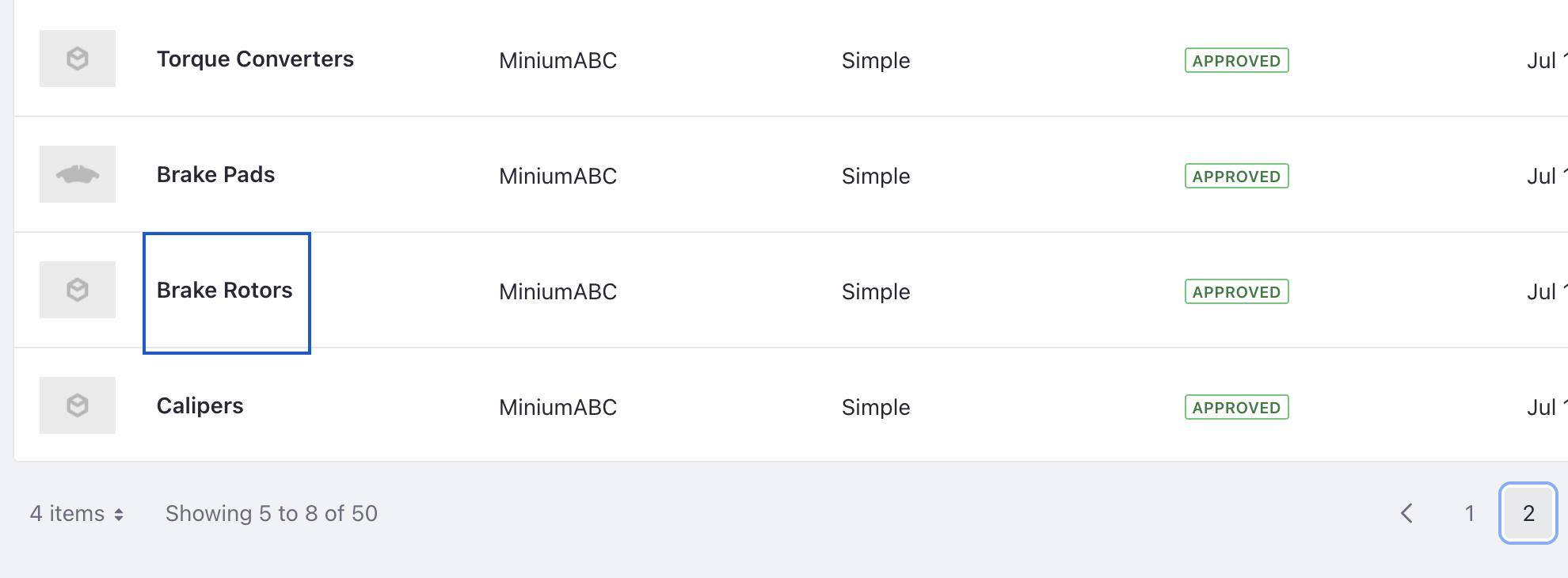
3. Click page 2
4. Click on a product <Brake Rotors> to open its details page
5 Click the browser's back button
Result
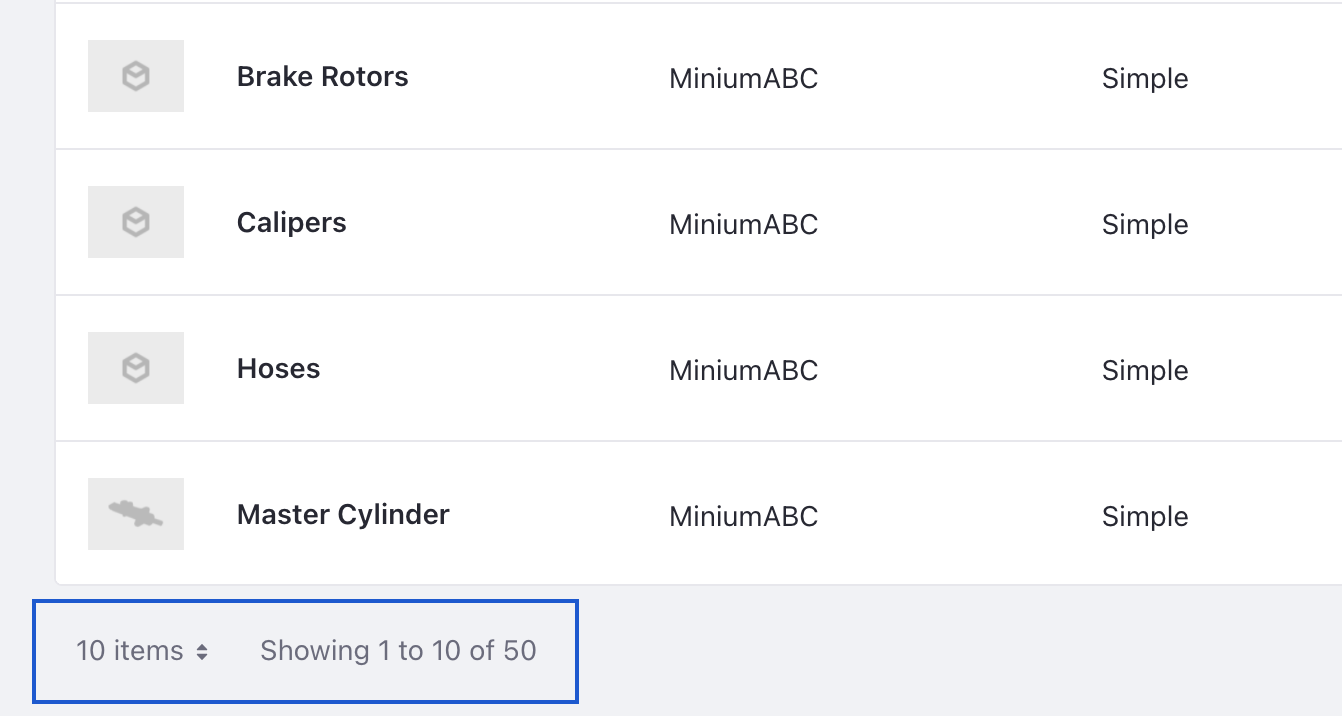
We are returned to page 1 of the Product listings with 10 items displayed per page
- This is a known limitation of the product at this time.
The present implementation defines only itemsPerPage as a value to be persisted. Unlike that of pageNumber which isn't persisted upon page refresh or back button click.
Did this article resolve your issue ?