Issue
- Changing the master template triggers: “Error: Your request failed to complete.”
- Error trying to assign an alternate master template to a web content article.
Environment
- DXP 7.4
Resolution
This can happen when assigning an alternate master template to an existing web content article that was created under a different locale.
The following steps demonstrate the behavior
Environment: DXP 7.4 bundle
1. Log in as Administrator - note the Default Language is English (United States)
2. Under 'Home' create a new child widget page: MyPage
- Note the generated friendly URL appears as:
/mypage - The locale is en_US

3. Create a new Master Template:
For example:
a.) Product Menu > Design > Fragments > Click: '+' then name and save the fragment set.
b.) Click on Footers
c.) Select 'Footer Nav Dark' and click on the 3-dots and select 'Copy To' and select the fragment set created previously.
d.) Product Menu > Design > Page Templates > Click: '+' add a name (exp. <MyMasterPage>) and click 'Save'
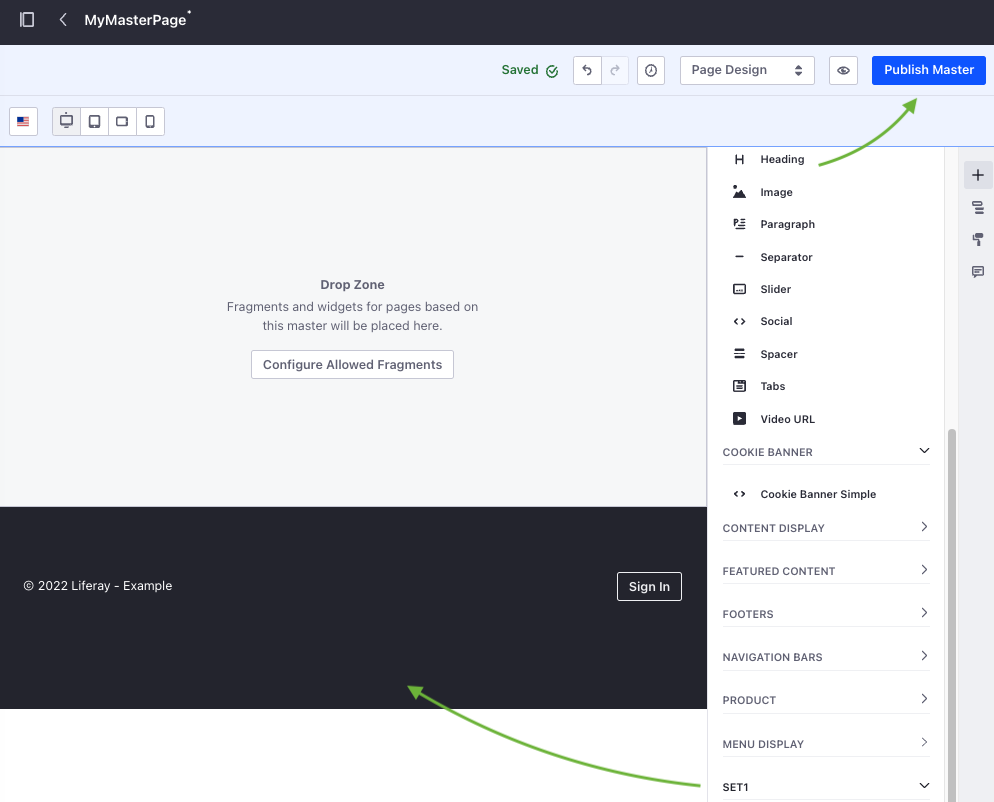
e.) Click on the three dots to open the new page for editing > Click: '+' and scroll to the bottom of the list locating the fragment set created > Drag it onto the 'Drop Zone' > Click: Publish Master
4. Apply the new master template to 'MyPage'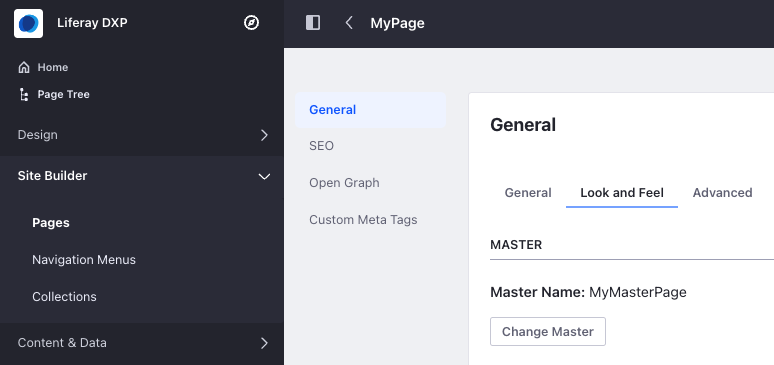
Result 1:
- UI Message "Success: The page was updated successfully." (OK)
- No errors appear in the logs (OK)
5. Change the site's Default Language to English (Australia)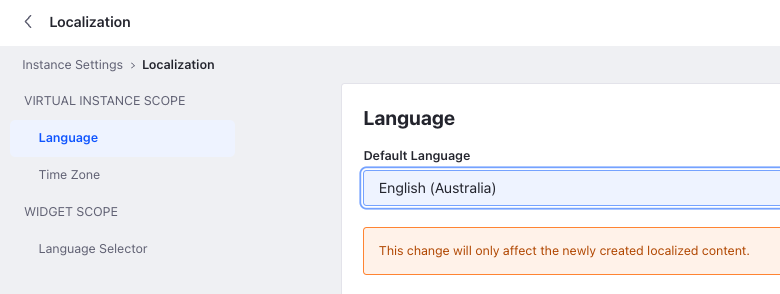
Repeat step 3 and create another master template for Australian web content.
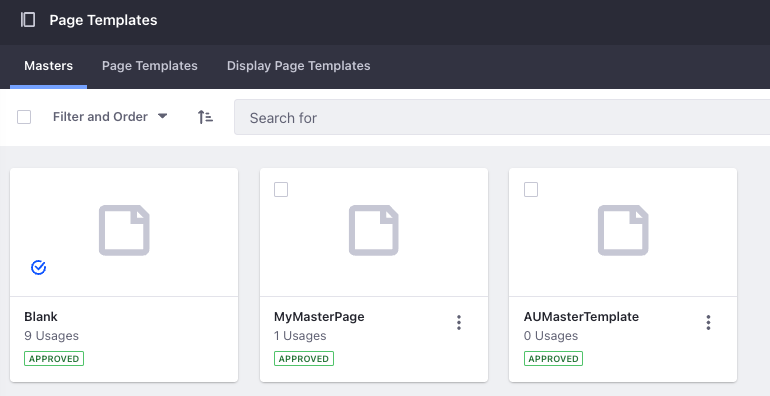
6. Next, change the page template for MyPage (created under en_US localization)
Navigate to 'Look and Feel' for MyPage > Master: Change Master > Select: {New Australian template} > Press Save.
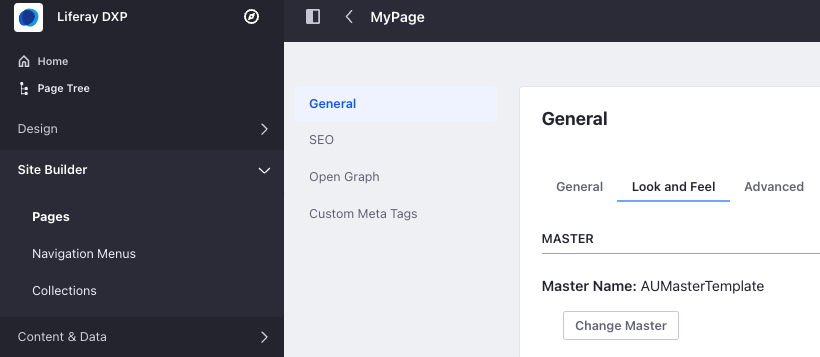
Result 2:
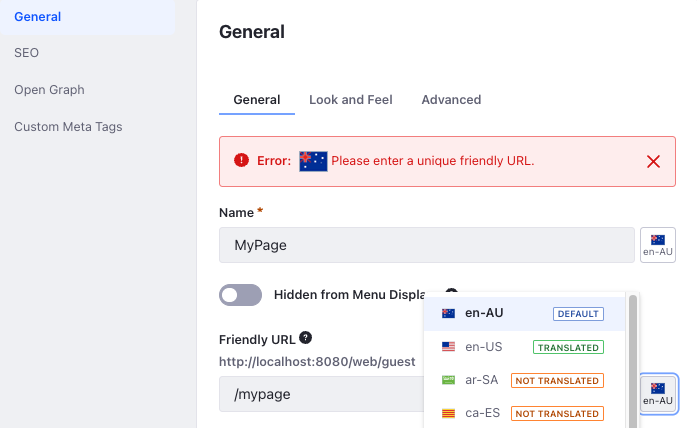
- UI Message "Error: Your request failed to complete."
- Error: "[AU Flag] Please enter a unique friendly URL."
The error indicates that the en_AU localized friendly URL is not unique. It has simply taken on the en_US page title as we can see when we access the locales button.
Workaround
In this case, the following process of creating a temporary placeholder is seen to resolve the behavior:
A.) First set the en_AU url to a temporary friendlyURL
Click the flag icon next to the right of the Friendly URL field > Select: en_AU > Edit the friendlyURL to read: /mypageAU > Press: Save
UI Message: Success: The page was updated successfully.
B.) second change the en_US friendlyURL to something different.
Click the flag icon again > Select: en_US > Edit the friendlyURL to read: /mypageUS > Press: Save
UI Message: Success: The page was updated successfully.
C.) Next, remove the original url from the en_US friendlyURL history
Click the flag icon again > Select: en_US > Click the history icon > Click: X to remove '/mypage' from the list > Press: Save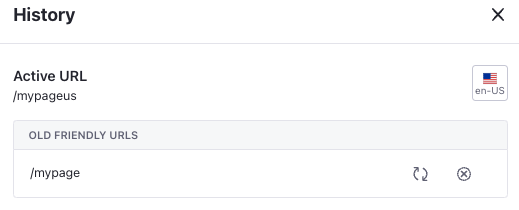
D.) Lastly reset the en_AU original friendlyURL
Edit the friendlyURL '/mypageAU' to '/mypage' > Press: Save
UI Message: Success: The page was updated successfully.
Result 3:
Now that en_AU is on the correct friendlyURL (meaning it doesn't conflict with the original en_US url), we can now change the template.
Assign the Master Template
MyPage: From the 'Look and Feel' tab > Change Master > Select: NewTemplateMaster > Press: Done > Press: Save
Result 4:
UI Message: Success: The page was updated successfully.